
Open Tabs
Chrome extension
Type in the address bar and jump to the tab you already have open, instead of opening a fourth copy of it.
Get it on the Chrome Web Store ↗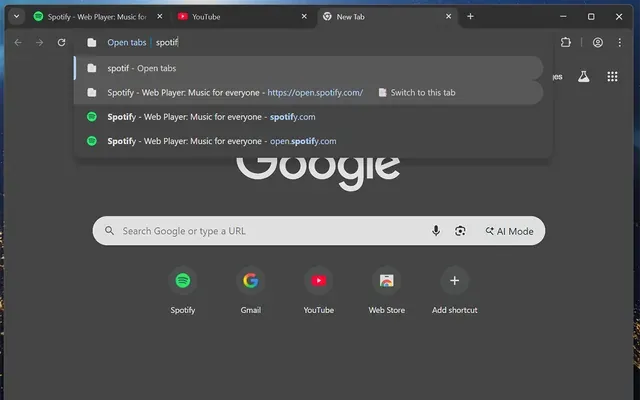



A small software studio.
Four apps. Nothing leaves your device.
Work
Built in evenings and weekends. On-device processing, no accounts, no analytics dashboards to feed.
Coaching notes, pinned to the exact frame.
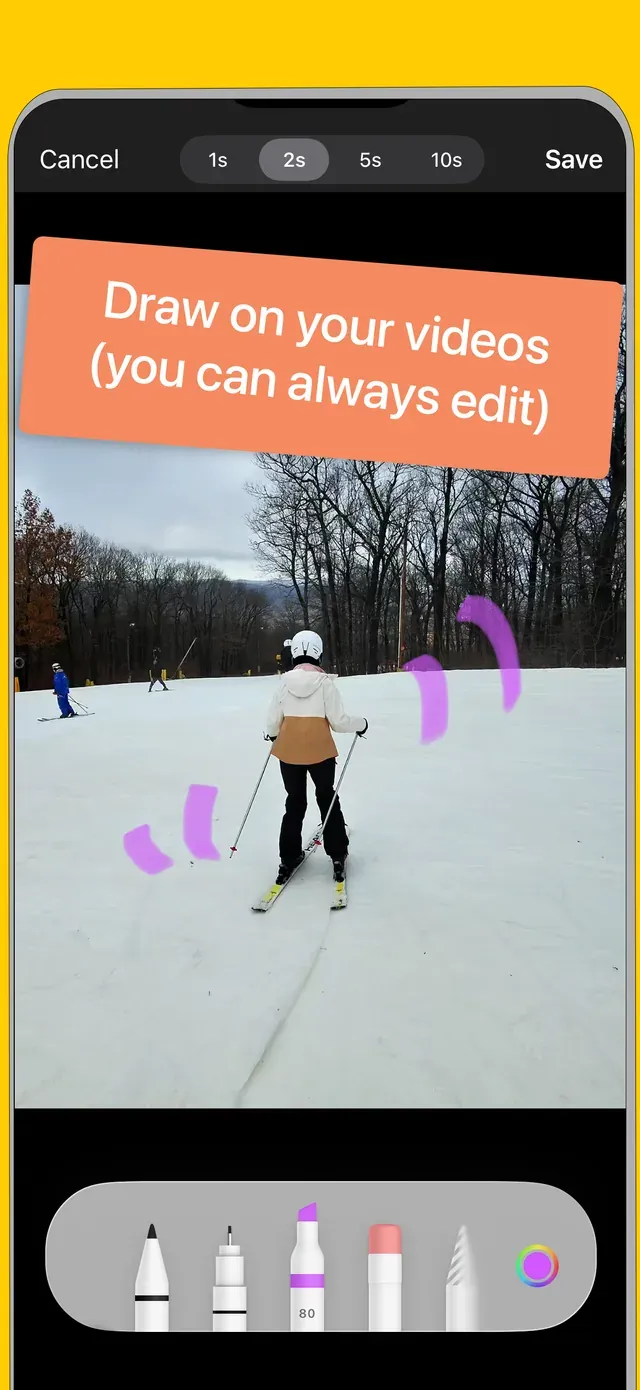
Film the round, mark the moment, draw on the frame. Made for equestrian parents who record every ride — and want the note attached to second 0:06, not buried in a text thread.
Download Hoof Notes on the App Store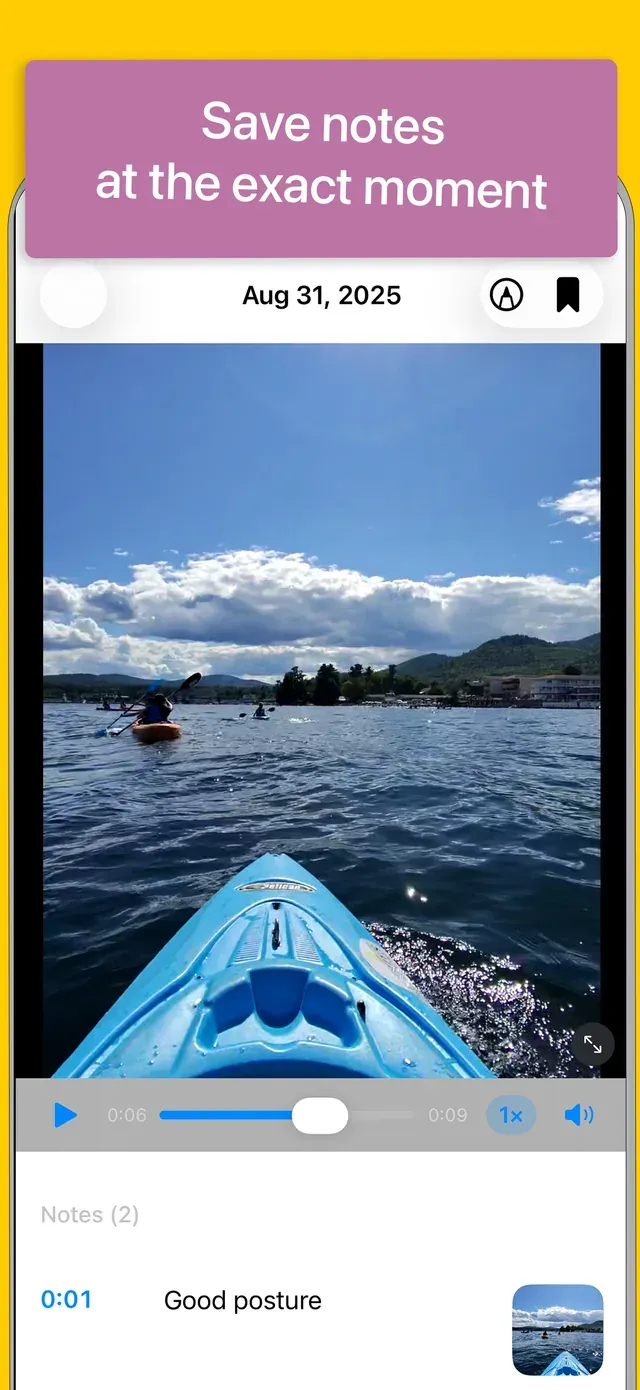
Precise cuts. Metadata intact.
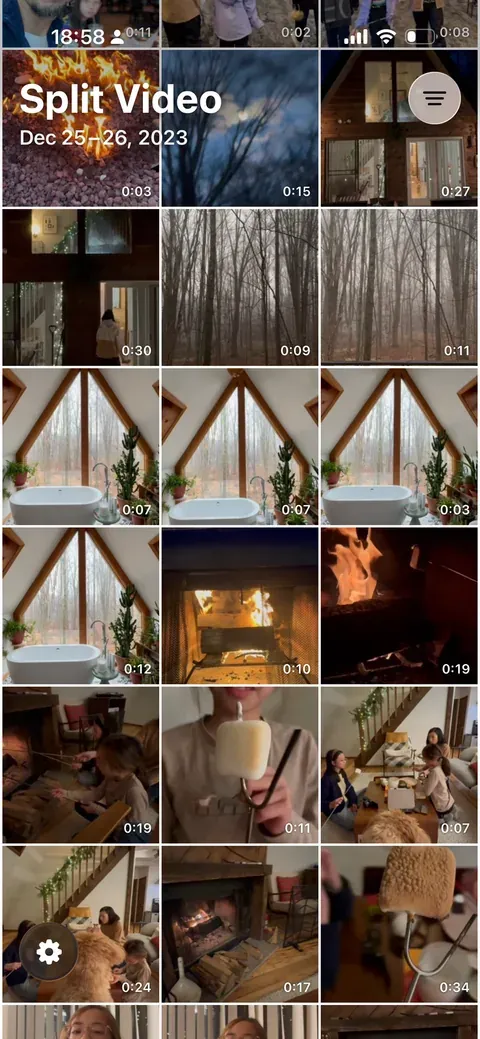
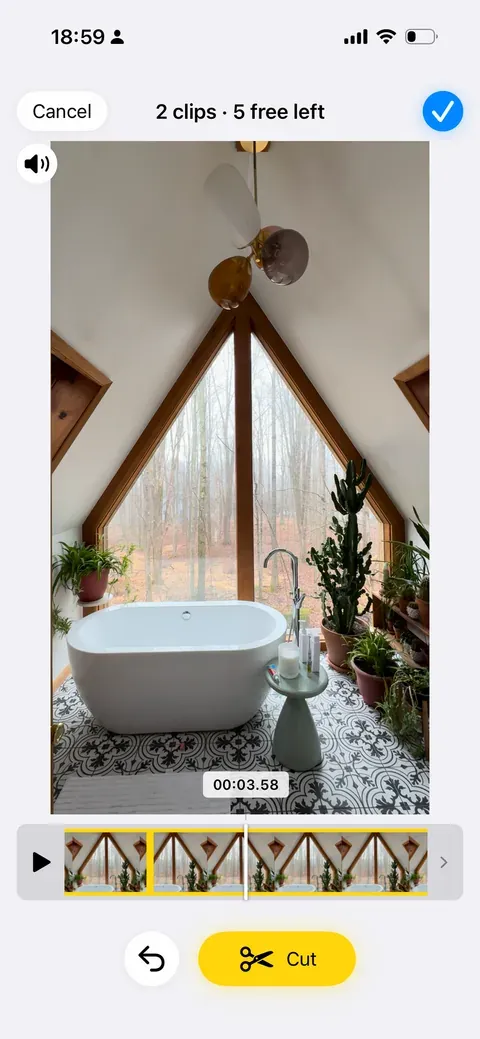
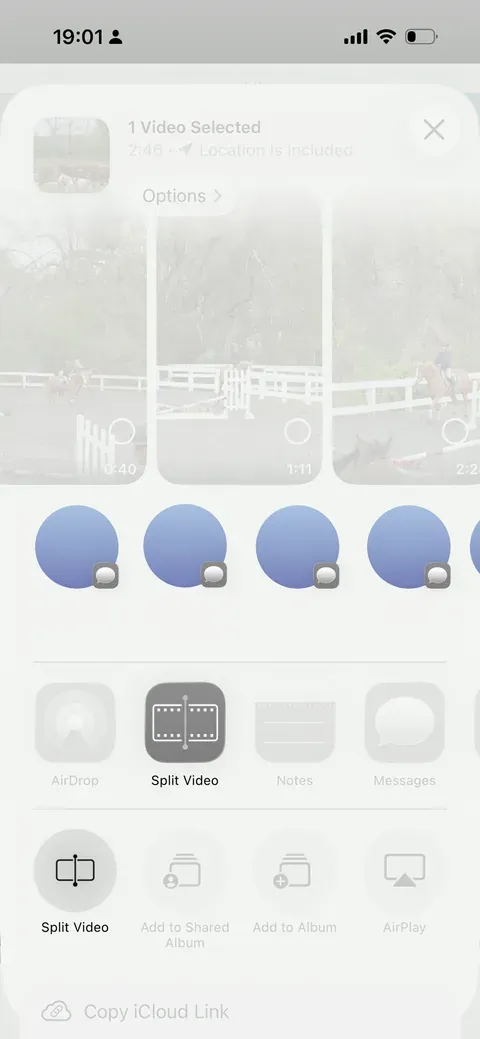
Open a long clip from your library.
Nothing uploads. Everything runs locally.
Cut on the frame you want.
1s / 2s / 5s / 10s steps, scrub to 00:03.58, undo freely.
Or start from the share sheet.
Dates, location and codec survive the export.
Chrome extension
Type in the address bar and jump to the tab you already have open, instead of opening a fourth copy of it.
Get it on the Chrome Web Store ↗
macOS
Drop a file, read everything: codec, bit rate, colour transfer, sample rate. The panel a video pipeline actually needs.
Get it on the Mac App Store ↗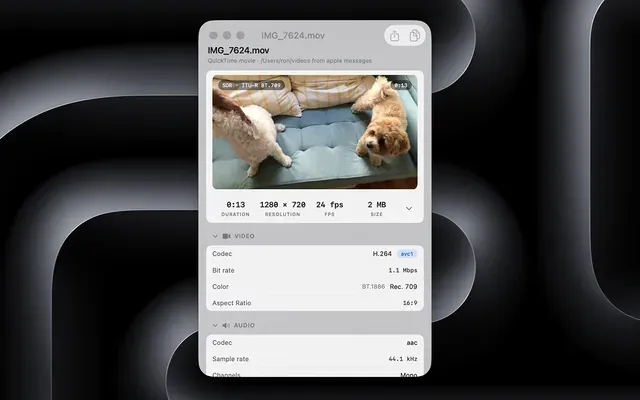
About

I'm Ron Widha. Meet, Pi is my workbench — evenings, weekends and the odd early morning with a coffee. Small, useful, privacy-conscious apps that come out of real family needs rather than a market study.
Contact
Have a project in mind, hit a bug in one of the apps, or want to collaborate? Email me — it lands straight in my inbox.
contact@meetpi.dev Meet Pi LLC